What does verification do?
Google Business Profile verification is the process of confirming that you manage or represent a business. It gives you control over business information and customer interactions. Verification is separate from ranking: it does not guarantee a position in local search results.
Start by finding or claiming your business using the Google account that will manage the profile. Keep ownership with your business and add authorized managers when needed.
Which methods can Google offer?
Google determines the available methods based on factors including business type, public information, region and business hours. You cannot demand a particular method. If several options appear, follow one of those options; Google may require more than one.
| Method | What to prepare | What to expect |
|---|---|---|
| Phone or text | Access to the business number shown in the verification flow | Receive a code and enter it in your profile. Automated phone menus cannot receive the code. |
| Access to the email address displayed by Google | Follow the instructions in the verification email. | |
| Video recording | A mobile device at the business location, plus evidence of location, business activity and management | Record and upload through your Business Profile. Review can take up to five business days. |
| Live video call | A supported device and access to the business during its hours | If offered, show the requested evidence to a support representative. |
| An accurate business mailing address | If offered, request the code. Most arrive within 14 days; codes expire after 30 days. |
In some cases Google verifies a business instantly, including when its website is verified in Search Console or it uses bulk verification. This is not a guarantee that verifying your domain will bypass Business Profile verification.
Prepare for your type of business
A shop, restaurant or professional office that receives customers at its location needs to represent that location accurately. A business that travels to customers, such as a plumber or mobile service provider, may qualify as a service-area business. A business can also combine both models.
If you do not serve customers at your business address, do not display that address publicly on your profile. A home-based service-area business can still provide location evidence in its verification flow. An online-only business with no in-person services is not eligible for a Business Profile.
How to record a verification video
Plan your footage before starting. Google requires a unique, continuous, unedited recording at least 30 seconds long, recorded and uploaded from a mobile device through the Business Profile flow. Do not record offline and upload a pre-recorded file later.
- Show your location. Include street signs, building numbers, nearby landmarks or other identifiers that establish where you operate.
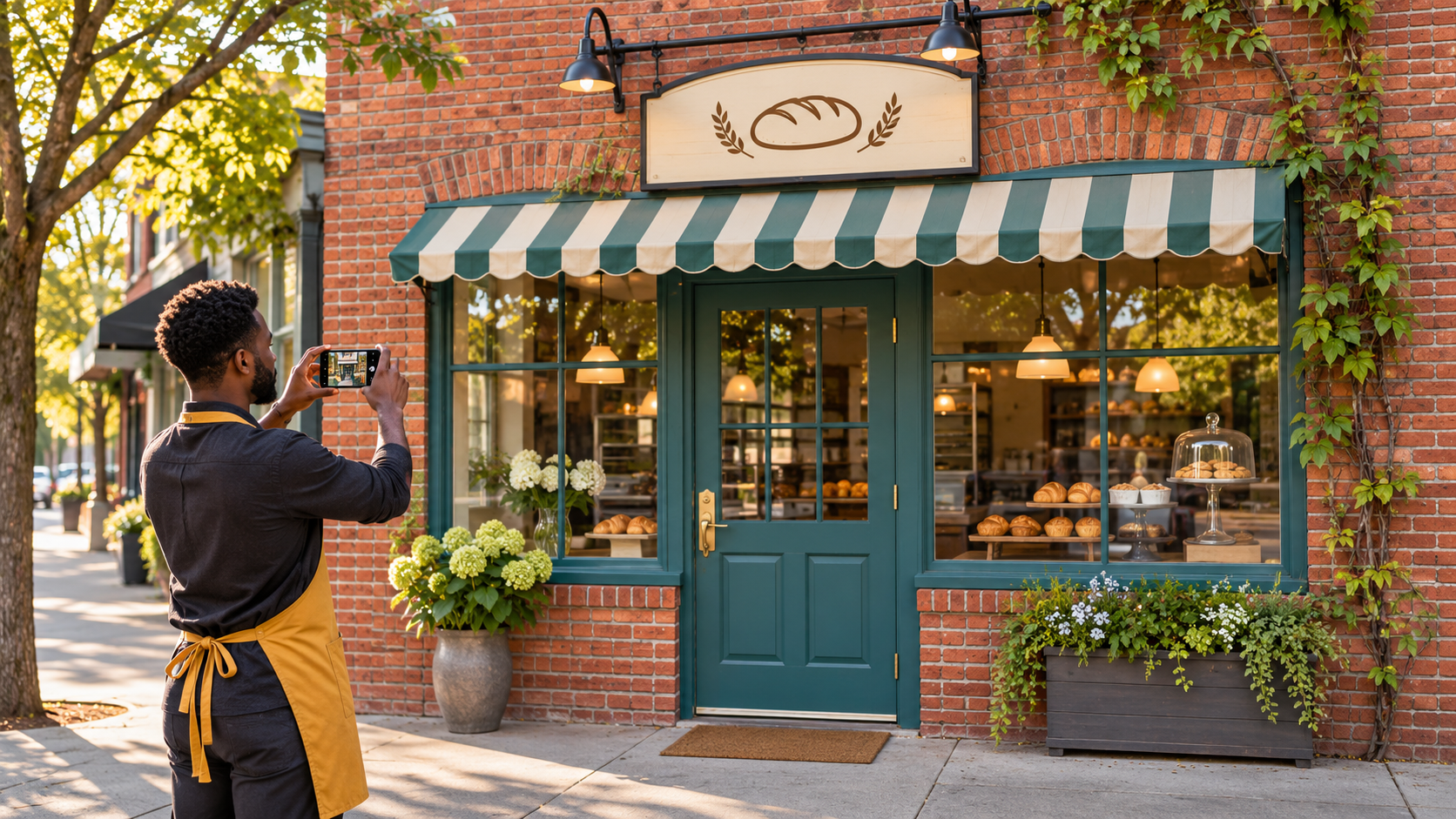
- Show the business exists. Storefronts should show permanent signage matching the profile name. Service-area businesses can show professional equipment, products, workspace, business cards or branded apparel.
- Show you manage the business. Examples include access to employee-only areas, performing a service, unlocking business equipment or showing appropriate business documents.
A branded vehicle can help demonstrate a service business, but a truck, uniform and permanent storefront sign are not a universal checklist for every business. Use the requirements shown for your business type.
Keep bank details, tax or identification numbers, private information and other people’s faces out of the recording. Review the footage before uploading it.
How long should you wait?
Google says verification review can take up to five business days after you complete the steps, although reviews occasionally take longer. Mail delivery is separate: most mailed codes arrive within 14 days.
While waiting for a mailed code, do not change the business name, address or category. Those changes invalidate the code. Requesting another code also invalidates the previous one and can lengthen the process.
If the expected period has passed, use the support route linked from Google’s verification help. Keep the business name, profile details, method used, dates and relevant messages available. Do not assume that every account will be offered phone, chat or the same support options.
What if your video is rejected?
Open Review issues in the profile and read the specific missing requirements. Re-record with all the required evidence, including the missing details Google identified. If another verification method is available, you can try it. Contact support if the available methods still do not resolve the problem.
If the profile is suspended, follow Google’s suspension and appeal instructions rather than creating a replacement listing. Verification and suspension appeals are different processes; this guide does not promise reinstatement or an approval timeline.
Common questions
Can I choose postcard instead of video?
Only if mail is offered for your profile. Google controls which methods are available, and a particular method cannot be guaranteed.
Can a business run from home be verified?
An eligible business that serves customers in person may qualify even without a storefront. Follow service-area rules if customers do not visit your address, and provide the requested location and business evidence.
Does verification improve my ranking automatically?
Verification establishes management of the profile. It does not guarantee rankings, inquiries or sales. Keep business information accurate and make it easy for customers to contact you.
Make your online presence easier to understand
OURANGL helps businesses connect search visibility, websites and lead follow-up. A Growth Review is a starting point for identifying opportunities beyond verification.
Sources and further reading
Guidance checked October 29, 2026. Google’s available verification options can change; follow the instructions displayed in your profile.